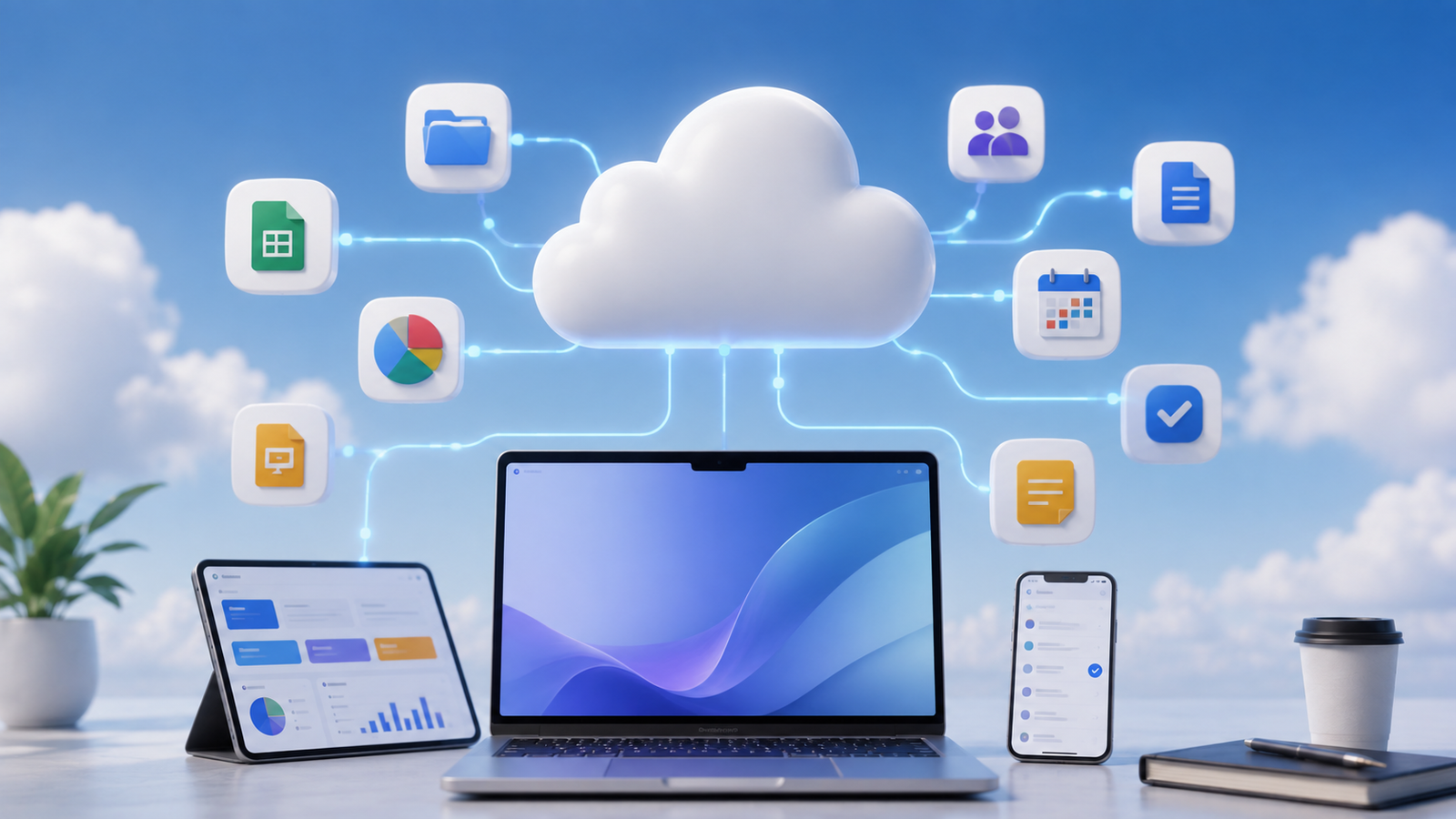
Cloud based productivity applications have changed the way people create, manage, share, and collaborate on digital work. In the past, most productivity software was installed directly on a computer, and files were usually stored on a local hard drive. If you wanted to work on the same file from another device, you often had to manually transfer it using email, a USB drive, or another storage method.
Cloud-based technology has made this process much easier. Today, users can create a document on one device, access it from another device, share it with other people, and in many cases collaborate in real time.
Cloud based productivity applications are now used by students, freelancers, small businesses, large organizations, and remote teams. These tools can help with everything from writing documents and managing spreadsheets to organizing projects, communicating with teams, storing files, and scheduling meetings.
1. What Are Cloud Based Productivity Applications?
Cloud based productivity applications are software tools that use cloud technology to help users perform everyday work and productivity tasks.
Instead of depending completely on software and files stored on a single computer, these applications use remote servers and internet-based services. Users can generally access their data through a web browser, desktop application, or mobile app.
In simple words, the cloud allows your work to be connected to an online account rather than being limited to one physical device.
For example, if you create a document using a cloud-based application, you may be able to:
- Access it from multiple devices
- Save changes automatically
- Share it with other users
- Collaborate in real time
- Keep files synchronized
- Restore previous versions in supported applications
This makes cloud technology especially useful for people who work from different locations or regularly switch between laptops, desktops, tablets, and smartphones.
2. How Do Cloud Based Productivity Apps Work?
The basic concept behind cloud based productivity apps is relatively simple.
When you use the application, your device communicates with servers operated by the service provider through the internet. These servers may store files, manage user accounts, synchronize changes, and provide other features.
For example, when you edit an online document, your changes can be synchronized with the cloud. If you later open the same document on another device, the latest version may be available.
Most cloud based productivity apps involve several important components:
- Cloud Storage
Your documents, files, notes, or other information can be stored on remote servers instead of only on your computer.
- User Accounts
Users generally sign in to an account, which connects their files and settings across supported devices.
- Synchronization
Changes made on one device can be synchronized with other devices connected to the same account.
- Internet Access
Most cloud applications rely heavily on an internet connection, although some tools also provide limited offline functionality.
- Collaboration Features
Multiple users may be able to access the same document, project, or workspace depending on the permissions provided.
3. Types of Cloud Based Productivity Applications
Cloud productivity software is a broad category. Different applications are designed for different types of work.
- Document and Writing Applications
These applications help users create and edit written content.
They can be used for:
- Articles and blog posts
- Business reports
- Assignments
- Proposals
- Meeting notes
- Research documents
- Company documentation
Cloud-based document tools are especially useful when multiple people need to review or edit the same file.
- Spreadsheet Applications
Cloud spreadsheets are used for organizing and analyzing data.
Common uses include:
- Budget planning
- Sales tracking
- Expense management
- Inventory management
- Data analysis
- Marketing reports
- Financial calculations
A major benefit is that multiple authorized users can work with the same spreadsheet instead of sending updated copies to each other.
- Presentation Applications
Cloud presentation tools allow users to create slides and presentations online.
They can be used for:
- Business meetings
- Client presentations
- Educational projects
- Training sessions
- Marketing proposals
Presentations can also be shared with other users for feedback and collaboration.
- Note-Taking Applications
Cloud-based note-taking tools help users organize information in one place.
Users can store:
- Ideas
- Research
- Meeting notes
- Personal notes
- To-do lists
- Project information
Because the notes are connected to an account, they can often be accessed from different devices.
- Project Management Applications
Project management tools are designed to organize tasks, deadlines, and workflows.
They may allow teams to:
- Create projects
- Assign tasks
- Set deadlines
- Track progress
- Add comments
- Upload files
- Manage team workflows
These applications are particularly useful for businesses and remote teams.
- Communication Applications
Cloud communication tools allow teams to communicate without relying only on traditional email.
Common features include:
- Direct messaging
- Group chats
- Video meetings
- Voice calls
- File sharing
- Screen sharing
- Calendar and Scheduling Applications
Cloud calendars help users manage:
- Meetings
- Events
- Appointments
- Deadlines
- Reminders
Synchronization makes it easier to access the same schedule from multiple devices.
4. Examples of Cloud Based Productivity Apps
There are many cloud based productivity applications available for different types of users.
Some popular examples include:
- Google Workspace
- Microsoft 365
- Notion
- Trello
- Slack
Each platform serves a different purpose.
Some provide a complete set of productivity tools, while others focus on a specific area such as note-taking, project management, or team communication.
For example, a person may use a document application for writing, a project management app for organizing tasks, and a communication tool for working with a team.
5. What Are Cloud Based Productivity Suites?
A cloud based productivity suite is a collection of connected productivity tools offered through one ecosystem.
Instead of using separate platforms for documents, spreadsheets, presentations, email, storage, and calendars, users can access multiple tools from the same provider.
A typical cloud productivity suite may include:
- Word processing
- Spreadsheets
- Presentations
- Cloud storage
- Calendars
- Video meetings
- Team communication
This can be useful for businesses because employees can work within a connected system.
For example, a file created in one application may be stored automatically in the same ecosystem and shared with team members through connected communication tools
6. Cloud Productivity Suite vs Individual Productivity Apps
There is a small but important difference between an individual app and a productivity suite.
An individual cloud based productivity app usually focuses on one primary task.
For example:
- A note-taking app
- A task management app
- A team communication app
A cloud productivity suite combines multiple tools together.
Individual Apps
Best for users who need a specific feature or prefer choosing different tools for different tasks.
Productivity Suites
Best for users or businesses that want documents, communication, storage, calendars, and other productivity tools connected within one ecosystem.
The right option depends on your workflow and requirements.
7. Benefits of Cloud Based Productivity Applications
Cloud technology offers several important advantages.
- Access From Multiple Devices
One of the biggest benefits is flexibility.
Depending on the application, you may be able to access your work from:
- Desktop computers
- Laptops
- Smartphones
- Tablets
This means your productivity is not necessarily limited to one computer.
- Real-Time Collaboration
Collaboration is one of the strongest features of cloud based productivity apps.
Instead of sending multiple versions of the same document through email, authorized users may be able to work on a shared version.
Depending on the application, users can:
- Edit content
- Leave comments
- Suggest changes
- Review updates
- Assign tasks
This can reduce confusion and make teamwork more efficient.
- Automatic Synchronization
Cloud applications can synchronize changes between supported devices.
For example, if you update a document on your laptop, the updated version may also become available when you open the application on your smartphone.
This reduces the need to manually transfer files.
- Easier File Sharing
Traditional file sharing often involves downloading a file and sending it as an attachment.
Cloud applications can simplify this process by allowing users to share access directly.
Permissions may include:
- View only
- Comment access
- Editing access
This provides more control over who can access and modify information.
- Better Support for Remote Work
Cloud based productivity applications have become extremely useful for remote and hybrid work.
Team members can work from different locations while accessing shared documents, projects, and communication channels.
For example, a team may use:
- Cloud documents for content
- Project management tools for tasks
- Communication apps for discussions
- Cloud storage for files
- Online meetings for collaboration
- Automatic Updates
With traditional software, users may need to manually download and install updates.
Cloud services can often update features and infrastructure centrally.
This allows users to access improvements without managing every technical aspect themselves.
- Reduced Dependence on One Device
If your work is connected to a cloud account, losing access to one device does not always mean losing access to your files.
You may be able to sign in from another supported device.
However, important files should still be backed up because no digital service is completely risk-free.
8. Disadvantages of Cloud Based Productivity Applications
Although cloud productivity tools offer many advantages, they also have limitations.
- Internet Dependency
Most cloud applications require an internet connection for full functionality.
If your internet is slow or unavailable, you may experience problems accessing or synchronizing your work.
Some applications offer offline features, but availability varies.
- Privacy and Data Concerns
When using cloud services, your information may be stored on infrastructure operated by another company.
Users and businesses should understand:
- Where data is stored
- Who can access it
- How sharing permissions work
- What security features are available
- How data can be exported or deleted
This is especially important for sensitive business information.
- Subscription Costs
Many cloud based productivity applications use monthly or annual subscription models.
Although the initial cost may appear affordable, long-term costs can increase, especially for businesses with many users.
- Service Outages
Cloud services can occasionally experience technical issues or outages.
During an outage, users may temporarily lose access to certain features or services.
- Vendor Lock-In
If an organization builds its entire workflow around one platform, switching to another provider can become difficult.
Migrating documents, users, permissions, and workflows may require significant time and effort.
9. Are Cloud Based Productivity Applications Secure?
Cloud applications can offer strong security features, but security depends on both the provider and the user.
A secure platform can still be compromised if someone uses a weak password or accidentally shares sensitive information with the wrong person.
Users should follow basic security practices such as:
- Using strong and unique passwords
- Enabling multi-factor authentication
- Reviewing file-sharing permissions
- Removing unnecessary user access
- Keeping important data backed up
- Avoiding suspicious links and login pages
Businesses may also need additional controls for employee accounts, permissions, and sensitive company data.
10. How Businesses Use Cloud Productivity Applications
Businesses use cloud productivity applications to centralize work and improve collaboration.
A small company, for example, might use different cloud tools for:
- Managing documents
- Tracking sales
- Planning projects
- Communicating with employees
- Storing files
- Scheduling meetings
Instead of keeping important information on individual employee computers, the organization can create a shared digital workspace.
This can make information easier to find and reduce unnecessary duplication.
Cloud tools can also make onboarding easier because new employees can be given access to the systems they need based on their role.
11. How Students Can Use Cloud Productivity Apps
Students can also benefit from cloud based productivity applications.
These tools can help with:
- Writing assignments
- Creating presentations
- Taking notes
- Managing deadlines
- Organizing research
- Working on group projects
One major advantage is convenience.
A student can begin working on a laptop and later access the same material from another supported device.
12. How to Choose the Right Cloud Productivity Application
The best application depends on what you actually need.
Before choosing a tool, consider the following factors.
- Features
Does the application provide the features required for your work?
- Pricing
Check both free and paid plans and consider long-term costs.
- Collaboration
If you work with other people, make sure the platform provides suitable sharing and collaboration features.
- Device Compatibility
Check whether the application works properly on your preferred devices and operating systems.
- Security
Look for useful security features such as multi-factor authentication and access controls.
- Offline Access
If you do not always have reliable internet, check whether offline functionality is available.
- Data Export
Make sure you understand whether your files and information can be exported if you decide to switch services later.
Frequently Asked Questions
1. What are cloud based productivity applications?
- Cloud based productivity applications are online or cloud-connected software tools that help users create, manage, organize, and collaborate on work. They can include document editors, spreadsheets, note-taking apps, project management tools, and communication platforms.
2. What is the difference between cloud based productivity apps and cloud productivity suites?
Cloud based productivity apps may focus on a specific task, while cloud productivity suites combine multiple connected tools such as documents, spreadsheets, presentations, storage, email, and calendars.
3. Can cloud productivity applications be used for free?
- Some services offer free plans, while others require paid subscriptions. Free plans may have limitations related to storage, features, or the number of users.
4. Do cloud based productivity apps require the internet?
- Most cloud applications require an internet connection for full functionality. However, some tools provide offline features that allow limited work without an active connection.
5. Are cloud productivity applications useful for businesses?
- Yes. Businesses can use cloud productivity applications for collaboration, document management, project organization, communication, file sharing, and remote work.