
Free Online Image Measurement Tool
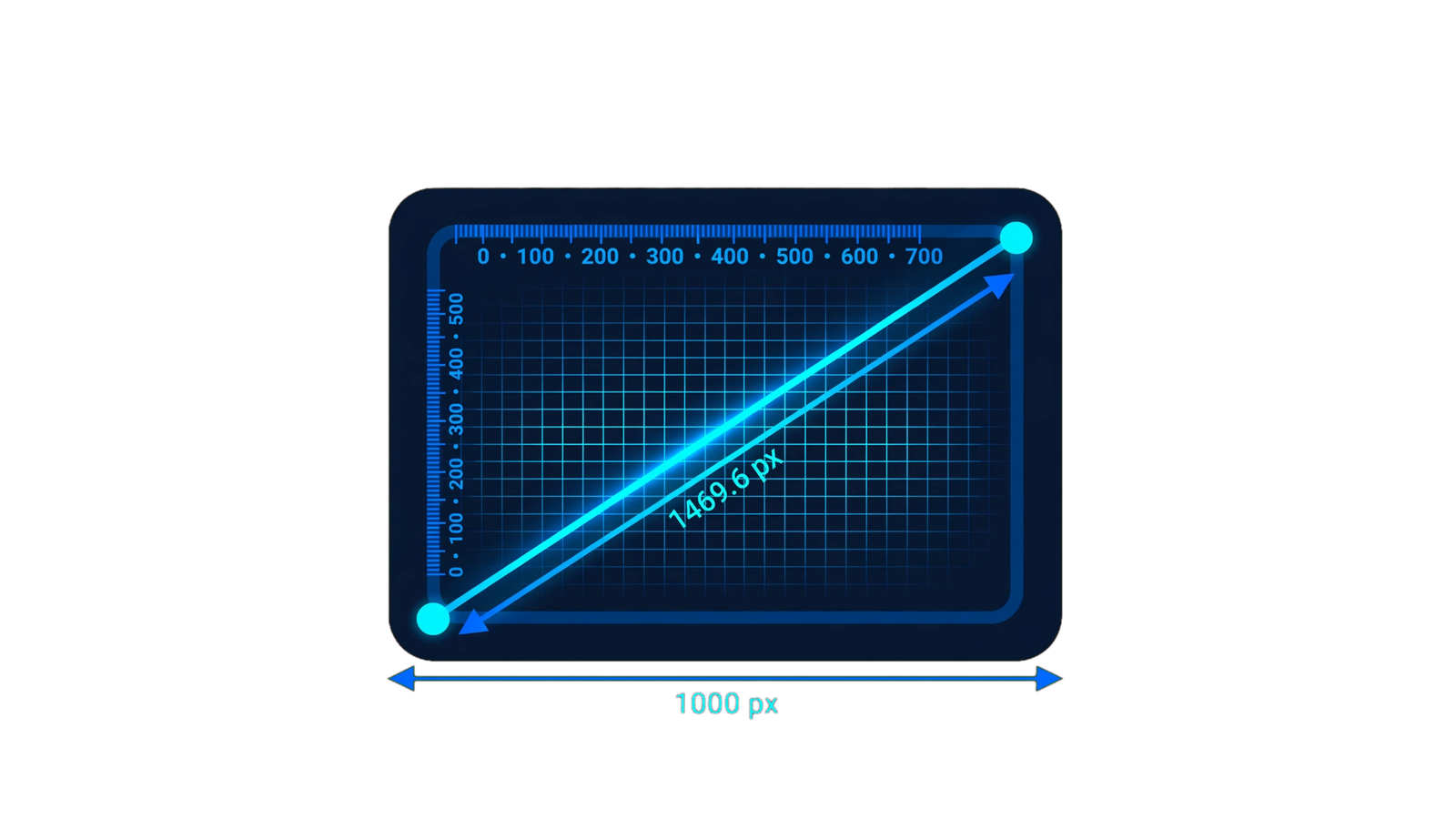
Free Online Image Measurement Tool
Measure image dimensions, pixel distance, aspect ratio, file size, format, megapixels and other useful image details directly in your browser. No software installation is required.
Choose an Image
Drag & drop your image here or select an image from your device.
—
Click two points on the image below to calculate the horizontal, vertical and straight-line distance between them in pixels.
Click one point and then click another point on the image. The tool will calculate the distance between them.
How This Image Measurement Tool Works
This image measurement tool lets you inspect important details of an image without installing desktop software. Once an image is selected, the browser reads its natural pixel dimensions and displays information such as width, height, aspect ratio, file size, format, orientation, megapixels and total pixel count.
You can also enter a DPI or PPI value to estimate the physical dimensions of an image. For more precise visual measurements, click two points on the uploaded image to calculate their horizontal, vertical and diagonal pixel distance.
Pixel Dimensions
Quickly check the exact width and height of an image in pixels.
Image Details
View format, file size, aspect ratio, megapixels and orientation.
Pixel Distance
Select two points and calculate the distance between them in pixels.
DPI Calculator
Enter a DPI value to estimate the image's physical size in inches and centimeters.
Browser-Based
Image analysis is performed directly in your browser without requiring a separate image-editing application.
Simple to Use
Upload an image and get useful measurements without complicated settings or technical software.
How to Measure an Image Online
Understanding Image Size, Pixels and DPI
Digital image size is usually described using pixels. For example, an image that is 1920 × 1080 pixels contains 1920 pixels across its width and 1080 pixels across its height. These values describe the digital dimensions of the image rather than its guaranteed physical size when printed.
DPI, or dots per inch, is commonly used in printing workflows. The physical dimensions calculated from an image depend on both its pixel dimensions and the DPI value being used. Because of this, changing the DPI value can change the estimated print dimensions without changing the actual number of pixels in the image.
Why Image Dimensions Matter for Websites
Image dimensions can affect how visuals are displayed across websites, blogs, ecommerce pages and social platforms. Very large images may contain more pixels than a page actually needs, while images with unsuitable proportions can appear cropped or poorly aligned in a particular layout.
Checking the dimensions before uploading an image can help you choose appropriate assets for blog posts, product pages, banners, thumbnails and other digital content. The aspect ratio is especially useful when you need an image to fit a fixed design area without unexpected cropping.
Is the Image Measurement Tool Safe to Use?
The tool is designed to process the selected image inside your web browser. This means you can inspect image properties without needing to install a separate application. However, users should always follow their own privacy requirements when working with confidential or sensitive images.