
Random QR Generator Online | No Signup

Random QR Generator Online | No Signup
Random QR Generator

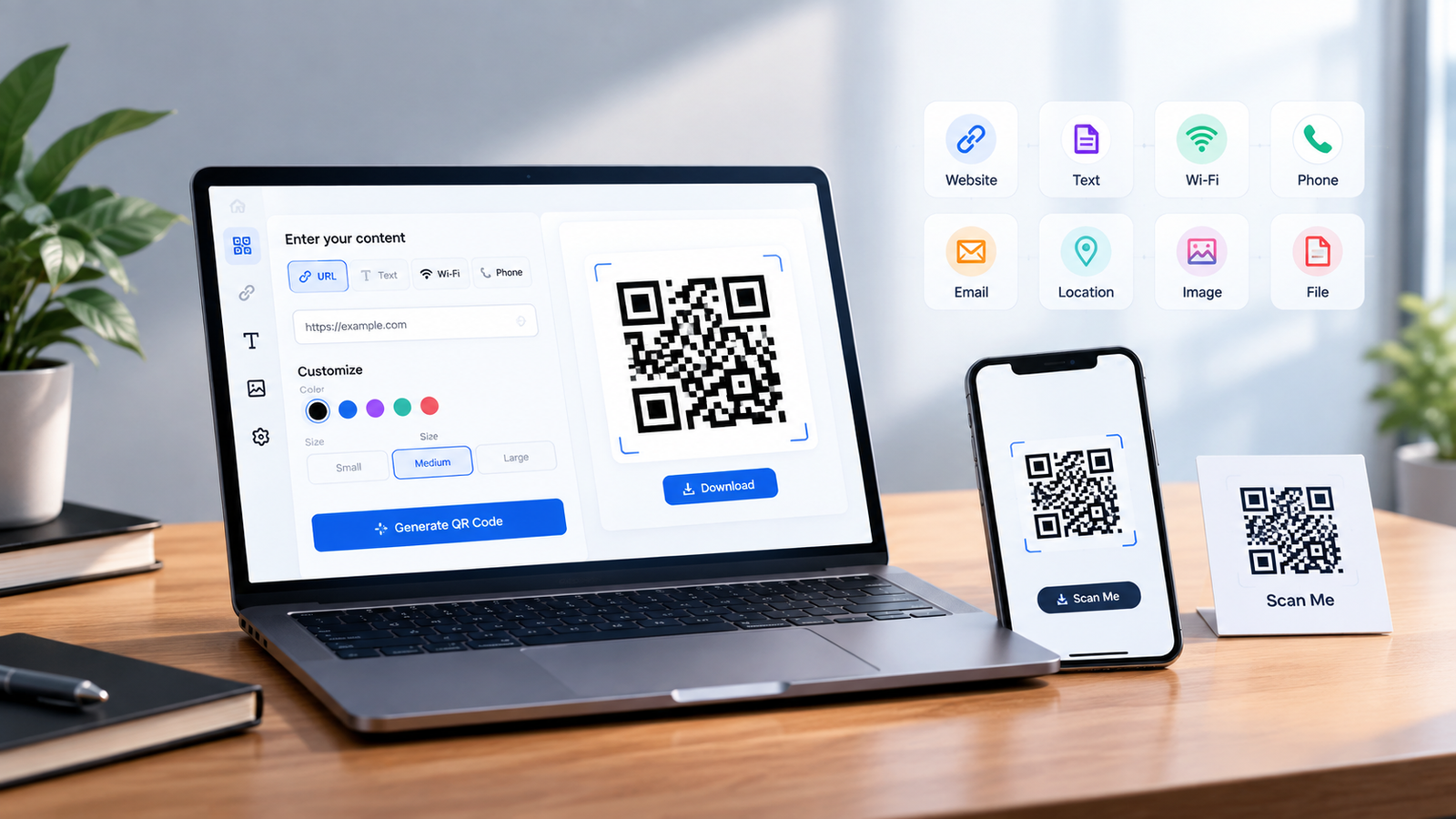
Link, Wi-Fi, contact card, payment, or anything else — pick a type below, fill in the details, and save your QR code as a PNG in seconds. Nothing is uploaded, and no account is needed.

Appearance

#14161B
#FFFFFF
Your code appears here as you type

Scan-test the code with two different phones before you print it.

QR Code Generator Safe

This generator runs entirely in your browser — whatever text, link, or detail you enter never gets uploaded to a server. Your QR code is built right there on your own device.

That said, a QR code is just a container for whatever content you put in it — the person scanning it gets exactly that. So before scanning a code someone else made, check where it leads (most scanners show a URL preview first), and only scan payment or login codes from sources you trust. For types like Wi-Fi or a contact card, only enter details you're comfortable sharing, since a QR code itself adds no encryption or password protection.

QR Code Activation

"Activating" a QR code simply means making it scan-ready — the right content, the right format, and a working camera app.

Choose a type, fill in the required fields, and the code updates live automatically — there's no separate activation step. Once the code appears, use Save PNG to download the image and test-scan it with your phone's camera; for types like Wi-Fi or UPI, scan it with a second phone too to confirm it opens the right app. If a scan isn't working, try raising the error correction level to "Medium" or "High" and make sure the printed or displayed size is large enough.

Frequently Asked Questions

A static QR code has the content baked directly into the pattern — once made, it never changes and never expires. A dynamic QR code instead points to a short redirect link that you can update later, but that requires a service to host the redirect. The codes made here are static.

No. A static QR code works for as long as the pattern itself is readable and whatever it points to (a website, a Wi-Fi network, a number) still exists. There's no built-in expiry date.

A QR code can hold a few thousand characters of text, but the practical limit is much lower — the more you pack in, the denser and harder to scan the pattern gets. Short links and brief text scan far more reliably than long paragraphs.

Not with this tool. Adding a logo covers part of the pattern, so it only stays scannable at a high error-correction level and with careful sizing — this generator keeps things simple and doesn't support it.

As a rule of thumb, print it at least 2 x 2 cm for close-up scanning, and larger for anything viewed from a distance (a poster or banner). Denser codes — long links, Wi-Fi details, contact cards — need more room than a short link does.

Yes. Scanners rely on strong contrast between the pattern and the background, so dark-on-light combinations work best. Very light or low-contrast color pairs can make a code unreliable to scan, even if it looks fine to the eye.

Scanning the code itself doesn't need internet — that's just your camera reading a pattern. But if the code contains a website link, you'll need a connection to actually open that page once it's decoded.

The password is stored in plain text inside the code, so anyone who scans it can read it. That's fine for guests you trust, but avoid printing or posting a Wi-Fi QR code somewhere strangers could scan it.

Before resizing an image, it helps to know its exact pixel dimensions first. Our Free Online Image Measurement Tool makes this easy — it runs entirely in your browser, so there’s nothing to upload and no account needed.