
Artificial intelligence has become a useful study companion for students. The right AI tools can help you understand difficult topics, summarize study material, organize notes, research faster, create presentations, and prepare for exams.
But not every AI tool is equally useful for students.
In this guide, we’ve selected 10 of the best AI tools for students in 2026, focusing on practical use cases such as studying, research, note-taking, writing, presentations, and homework.
Quick Tip: AI should be used as a learning assistant rather than simply copying answers. Always verify important information and follow your school or university's AI rules.
1. ChatGPT — Best AI Tool for Studying
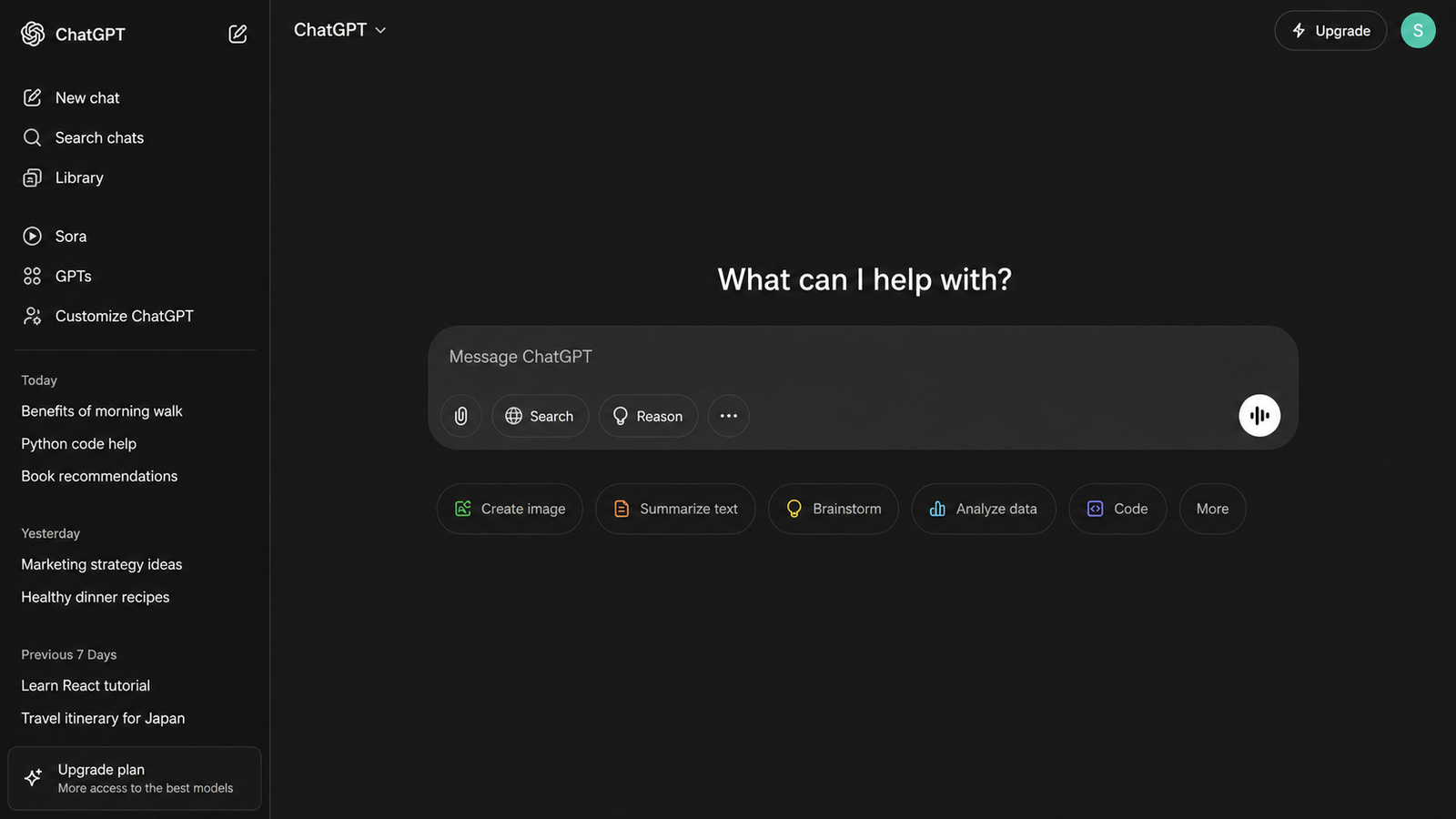
ChatGPT is one of the most versatile AI tools for students. Instead of using it only to get answers, students can use it to understand concepts, practice questions, prepare for exams, and review notes.
Students can use ChatGPT for:
1. Explaining difficult topics
2. Creating study plans
3. Generating practice questions- Summarizing notes
4. Preparing for exams
5. Understanding homework problems
6. Creating flashcards
7. Learning difficult concepts step by step
Best for: General studying and learning
Our verdict: 5/5 Tip
: Instead of asking “Give me the answer,” try asking:
“Explain this concept like I'm a beginner, then give me 5 questions to test my understanding.”
2. NotebookLM — Best for Notes and Research
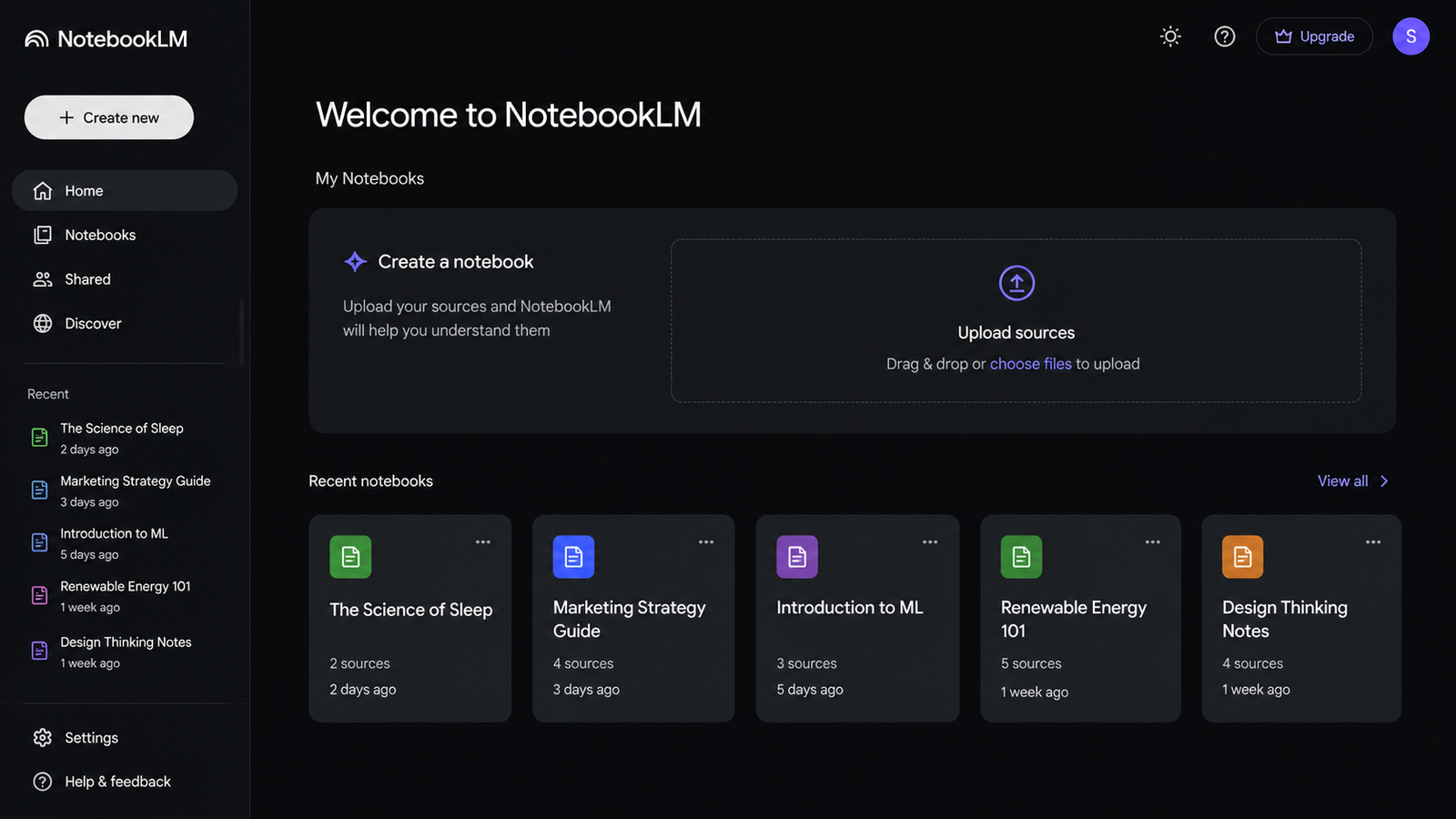
NotebookLM is one of the most useful AI tools for students who work with a large amount of study material.
You can provide sources such as PDFs, websites, YouTube videos, Google Docs, and Slides. NotebookLM can then answer questions based on those sources and help generate study guides, summaries, quizzes, and other formats.
Why students may like it:
1. Study notes- Research papers
2. Course PDFs
3. Class presentations
4. Summaries
5. Study guides
6. Questions based on uploaded material
Best for: Study notes, research papers, and course material
Our verdict: 5/5
3. Perplexity — Best AI Tool for Research
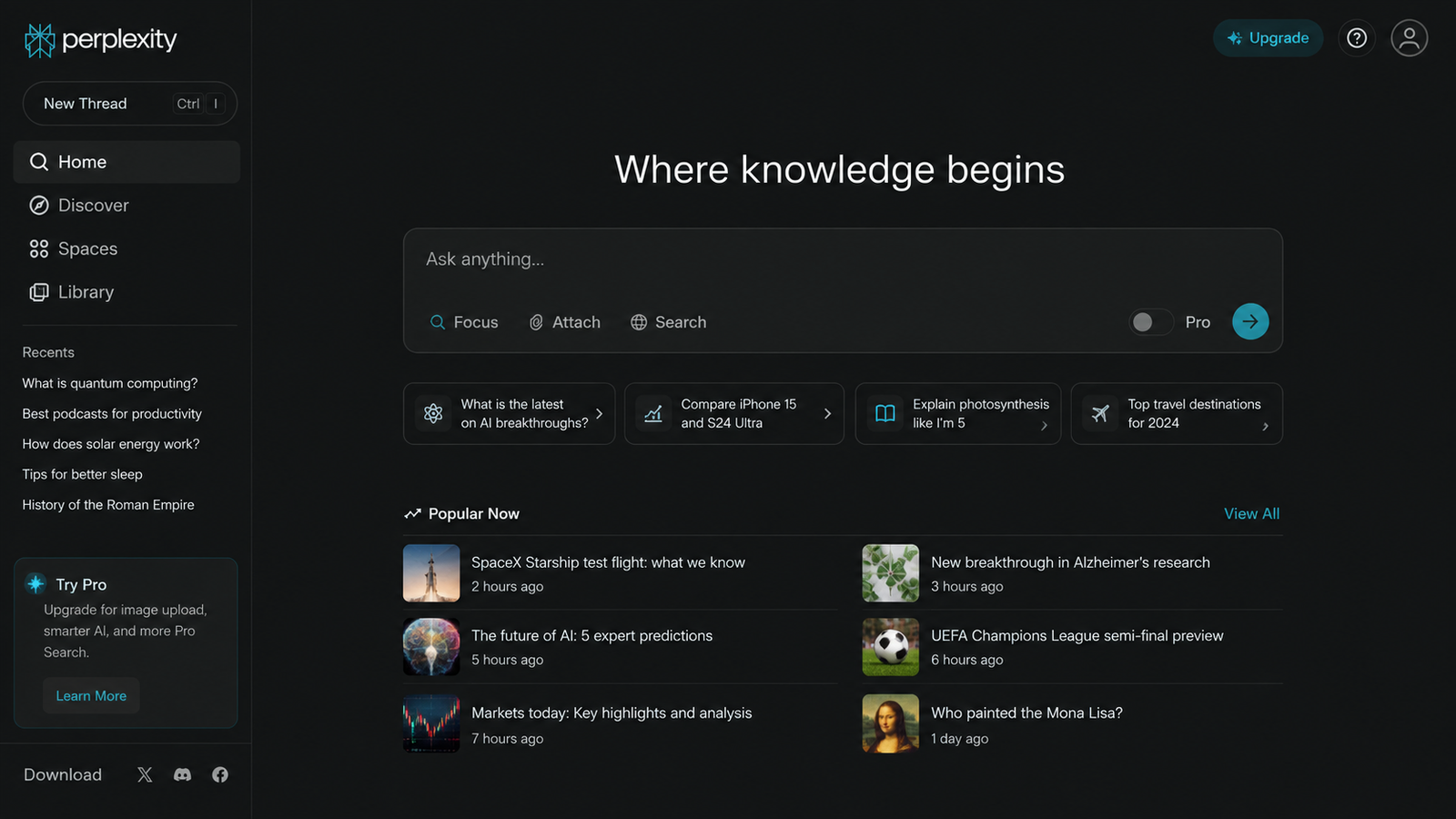
Perplexity is useful when you want to research a topic and quickly explore information from multiple sources.
Students can use it for:
1. Research topics
2. Finding sources
3. Exploring unfamiliar subjects
4. Getting follow-up questions
5. Understanding current information
Best for: Research and information discovery
Our verdict: 4.5/5
Important: AI search tools can still make mistakes. For academic work, check the original source before citing information.
4. Gemini — Best for General AI Assistance
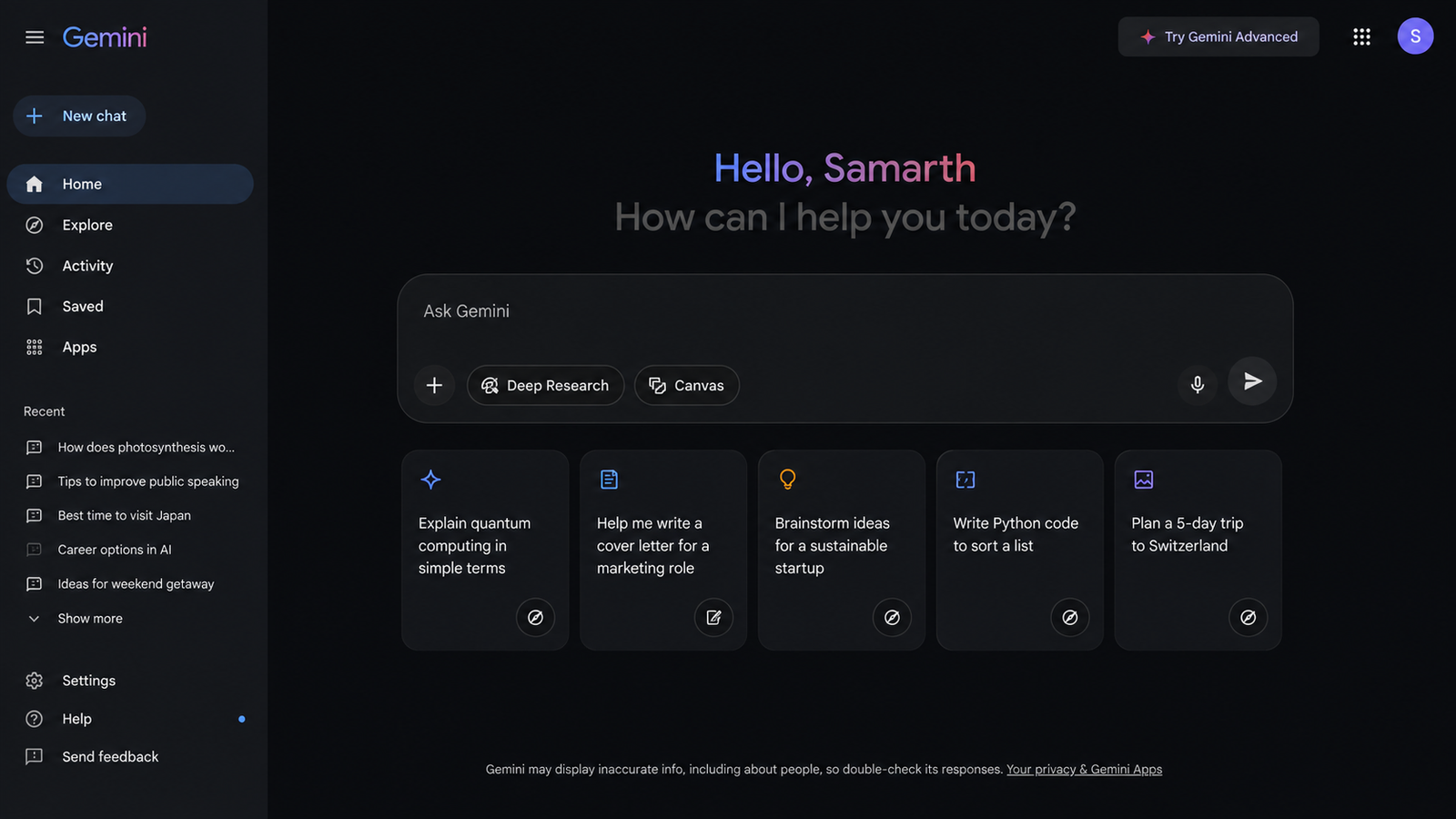
Google Gemini can be useful for students who already use Google's ecosystem for studying and productivity.
Students can use Gemini for: -
Explaining concepts
1. Brainstorming
2. Summarizing information
3. Research
4. Writing assistance
5. Generating ideas
Best for: General AI assistance and research
Our verdict: 4.5/5
5. Notion AI — Best AI Note-Taking Tool for Students
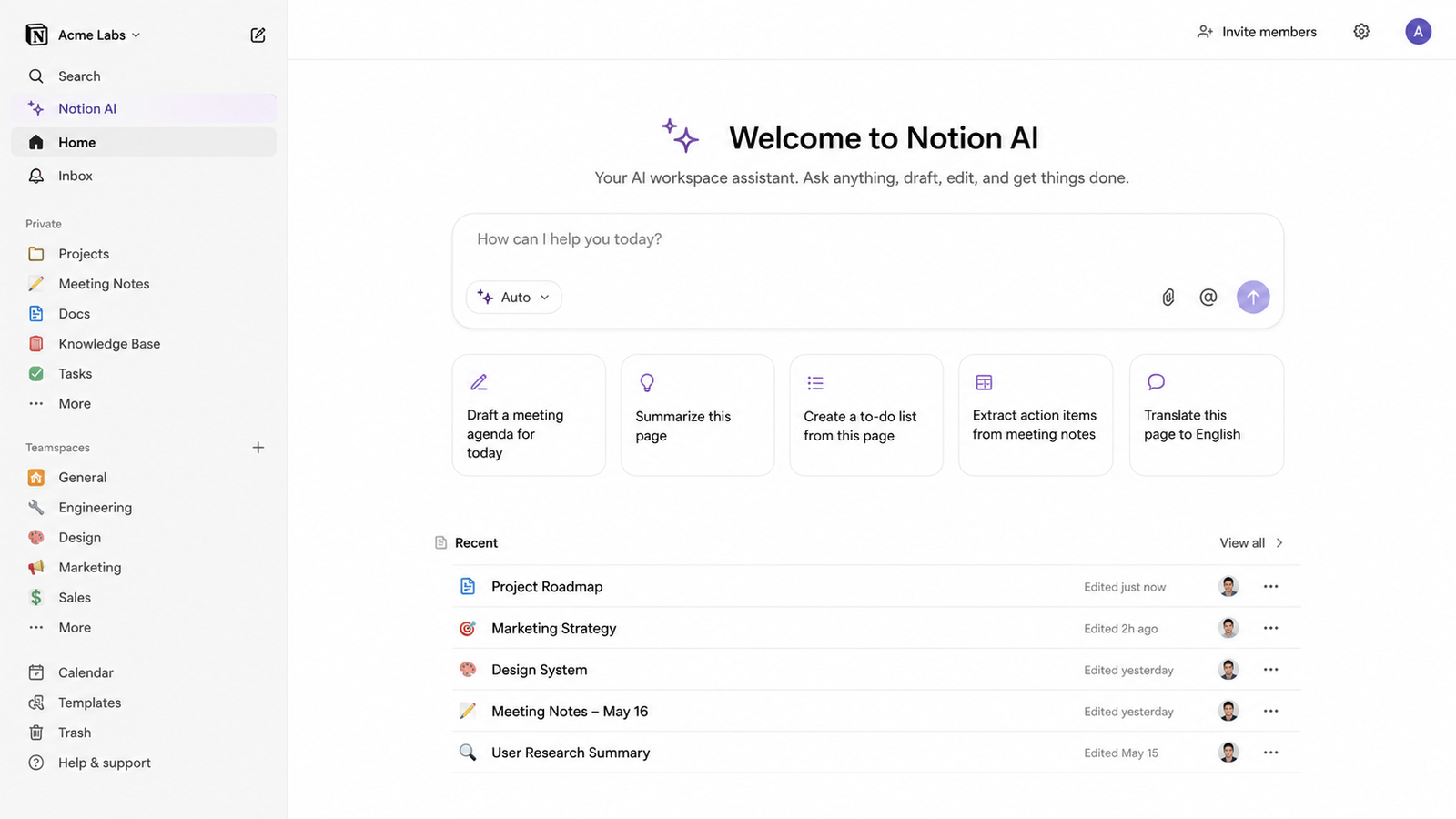
If you're looking specifically for a note-taking and productivity workspace, Notion AI is worth considering.
Notion combines notes, tasks, databases, and documents in one workspace, while its AI features can help with writing, summarization, and organizing information.
Students can use Notion for:
1. Lecture notes
2. Study schedules
3. Assignment tracking
4. Project planning
5. Summarizing notes
6. rganizing research
7. Creating personal knowledge bases
Best for: Note-taking and student productivity
Our verdict: 4.5/5
6. Grammarly — Best for Student Writing
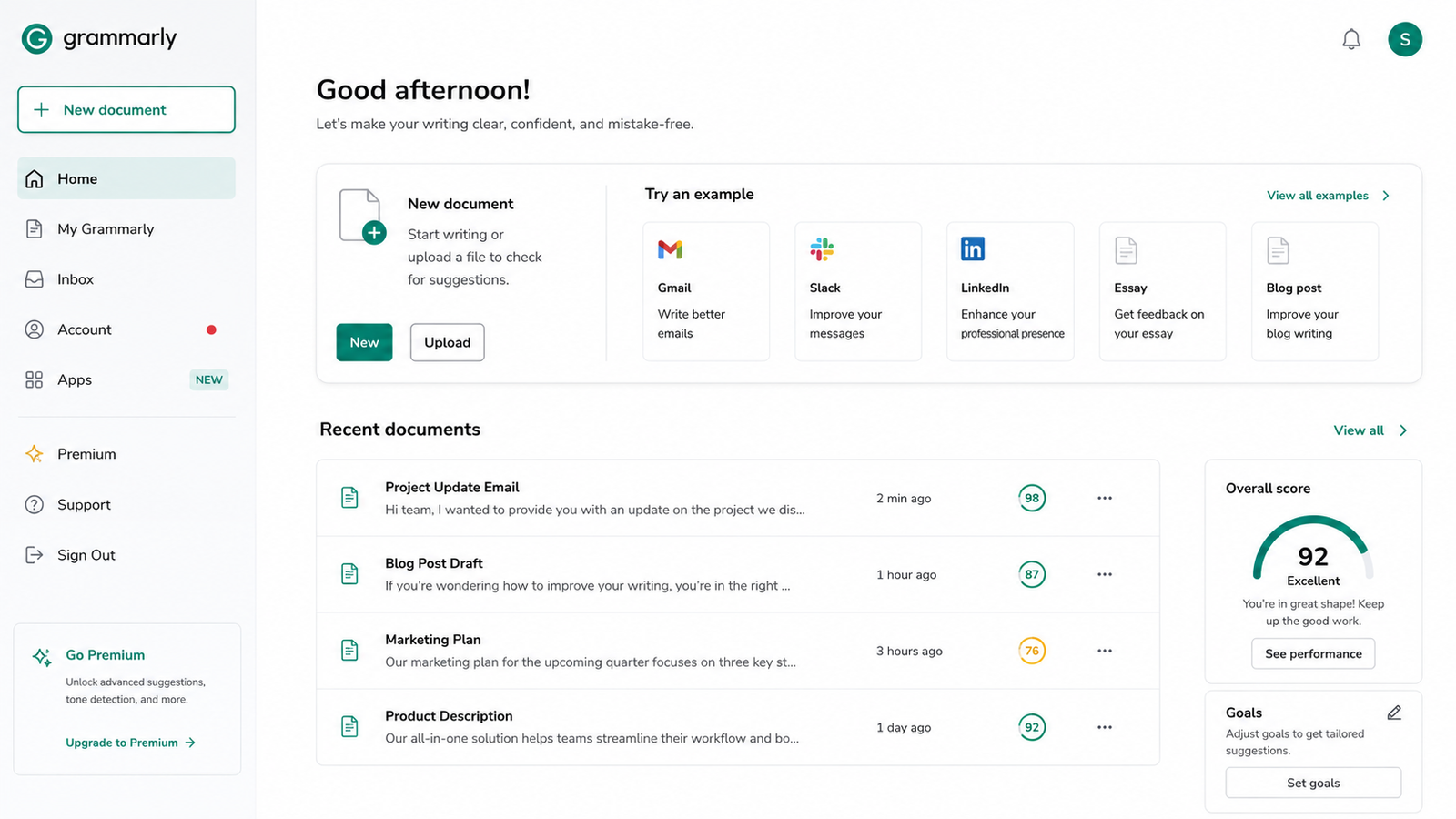
Writing assignments can be difficult, especially when you're trying to improve Grammar, clarity, and sentence structure.
Grammarly can help students review their writing and make it clearer and easier to understand.
Students can use it for:
1. Grammar checking
2. Spelling
3. Sentence clarity
4. Rewriting
5. Improving tone
6. Proofreading
Best for: Essays, assignments, and general writing
Our verdict: 4/5
Tip: Don't use AI to completely replace your own writing. Use it to identify problems and improve your draft.
7. Canva — Best for Presentations and Projects
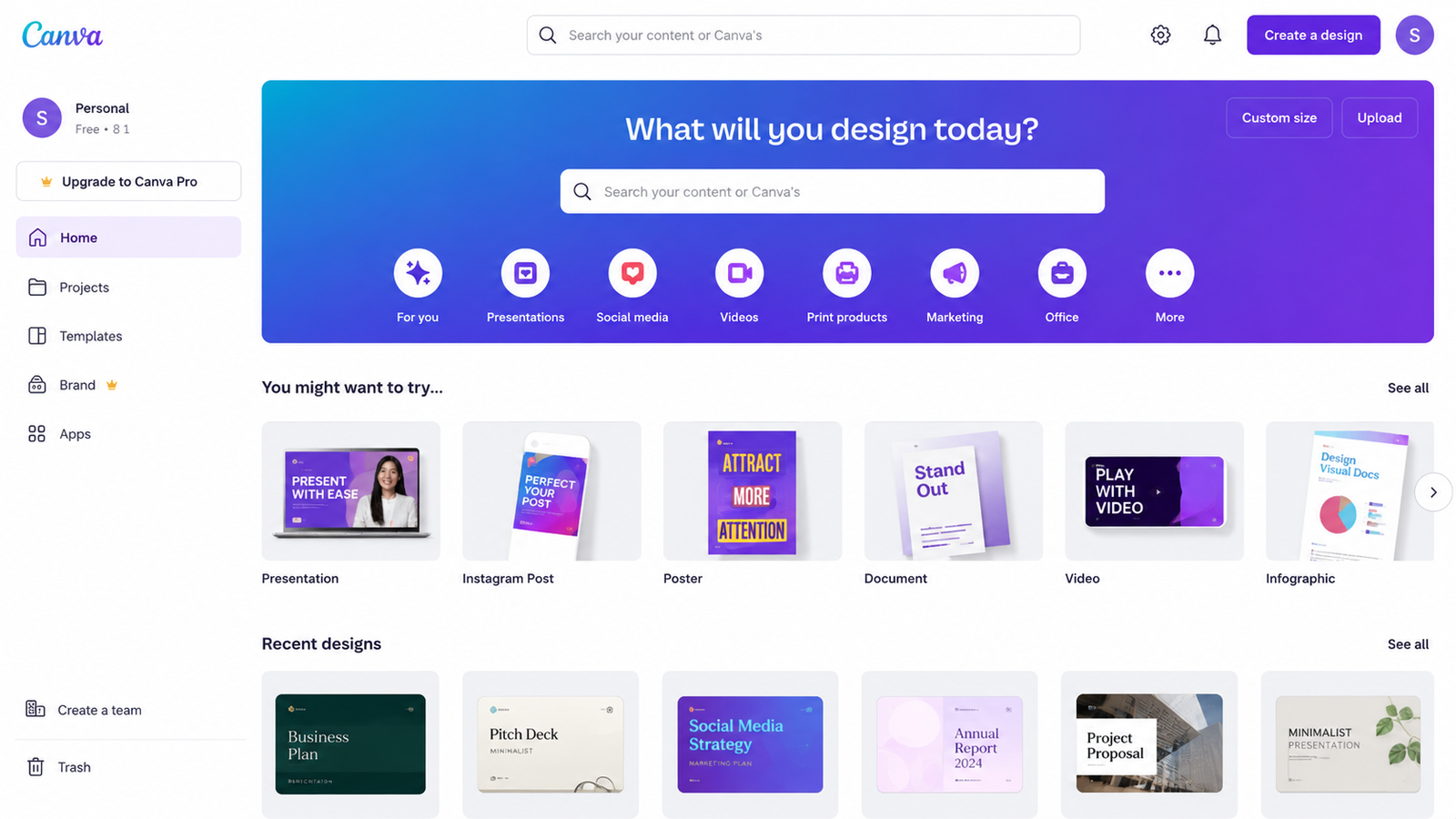
Canva is especially useful when students need to create presentations, posters, visual projects, documents, or videos.
Students can use Canva for:
1. Presentations
2. Posters
3. Infographics
4. Project covers
5. Videos
6. Resumes
7. Visual assignments
Best for: Presentations and visual projects
Our verdict: 4.5/5
8. Wolfram Alpha — Best for Mathematics
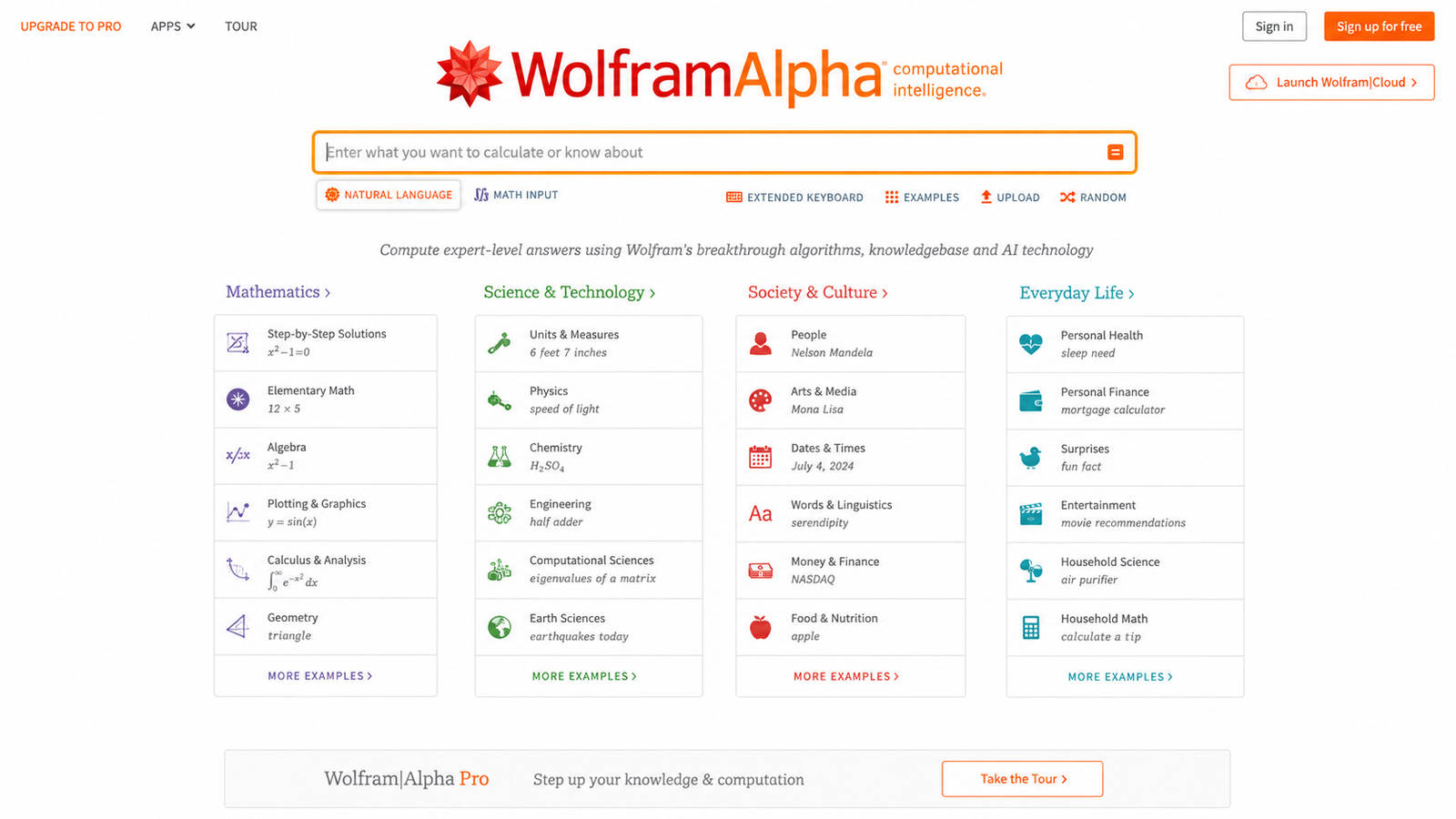
For students dealing with mathematics, science, and quantitative subjects, Wolfram Alpha can be a useful computational tool.
It can help with:
1. Algebra
2. Calculus
3. Equations
4. Statistics
5. Mathematics concepts
6. Science calculations
Best for: Math and computational learning
Our verdict: 4/5
Tip: Use computational tools to understand the solution process rather than simply submitting the final answer.
9. QuillBot — Best for Writing and Paraphrasing
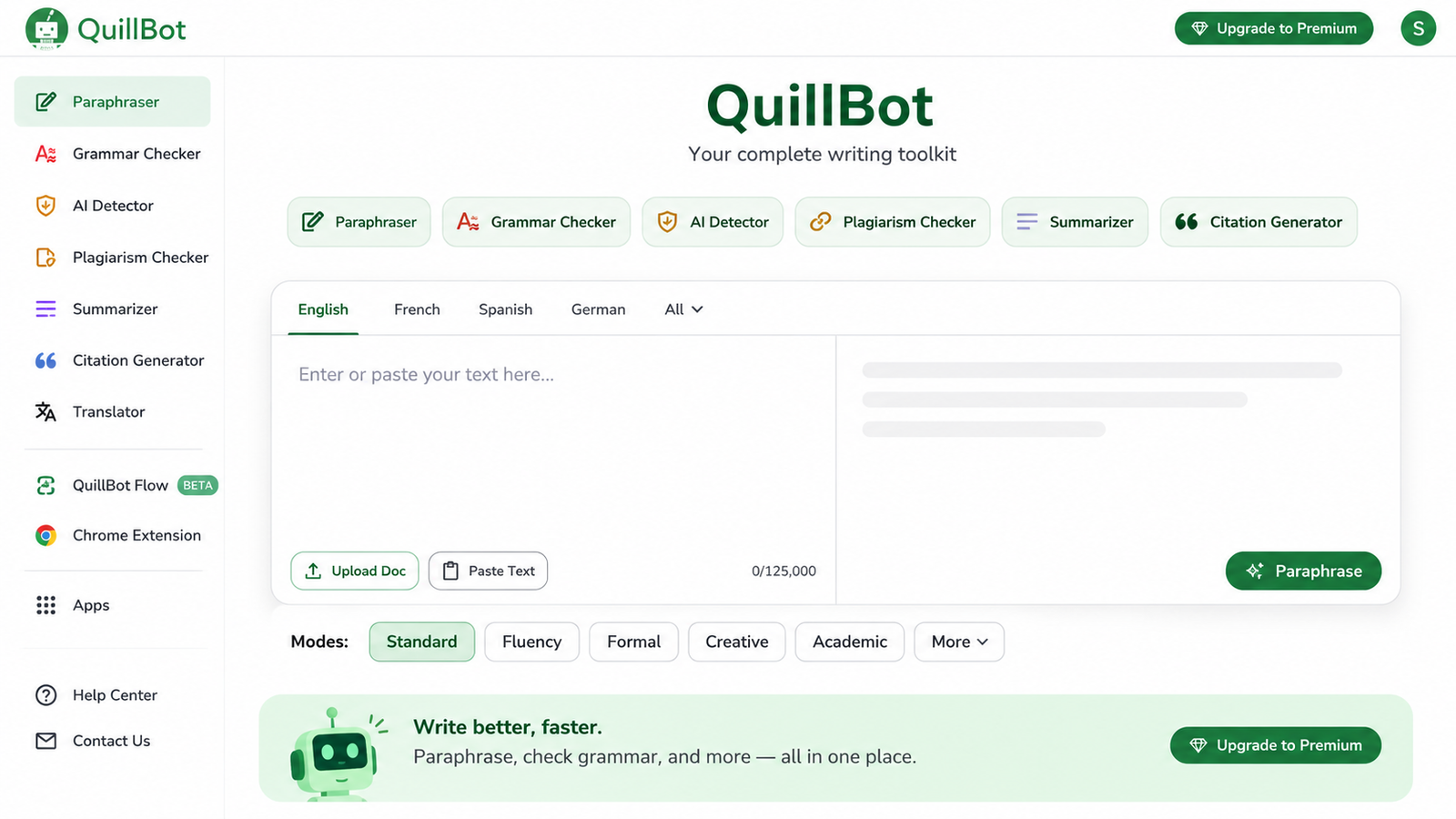
QuillBot can be useful when students want to improve the wording of their own writing.
Potential uses include:
1. Paraphrasing
2. Summarizing
3. Grammar improvement
4. Rewriting sentences
5. Improving readability
Best for: Writing improvement
Our verdict: 4/5
Important: Use paraphrasing tools to improve your own writing rather than disguising copied content.
10. Gamma — Best for AI-Powered Presentations
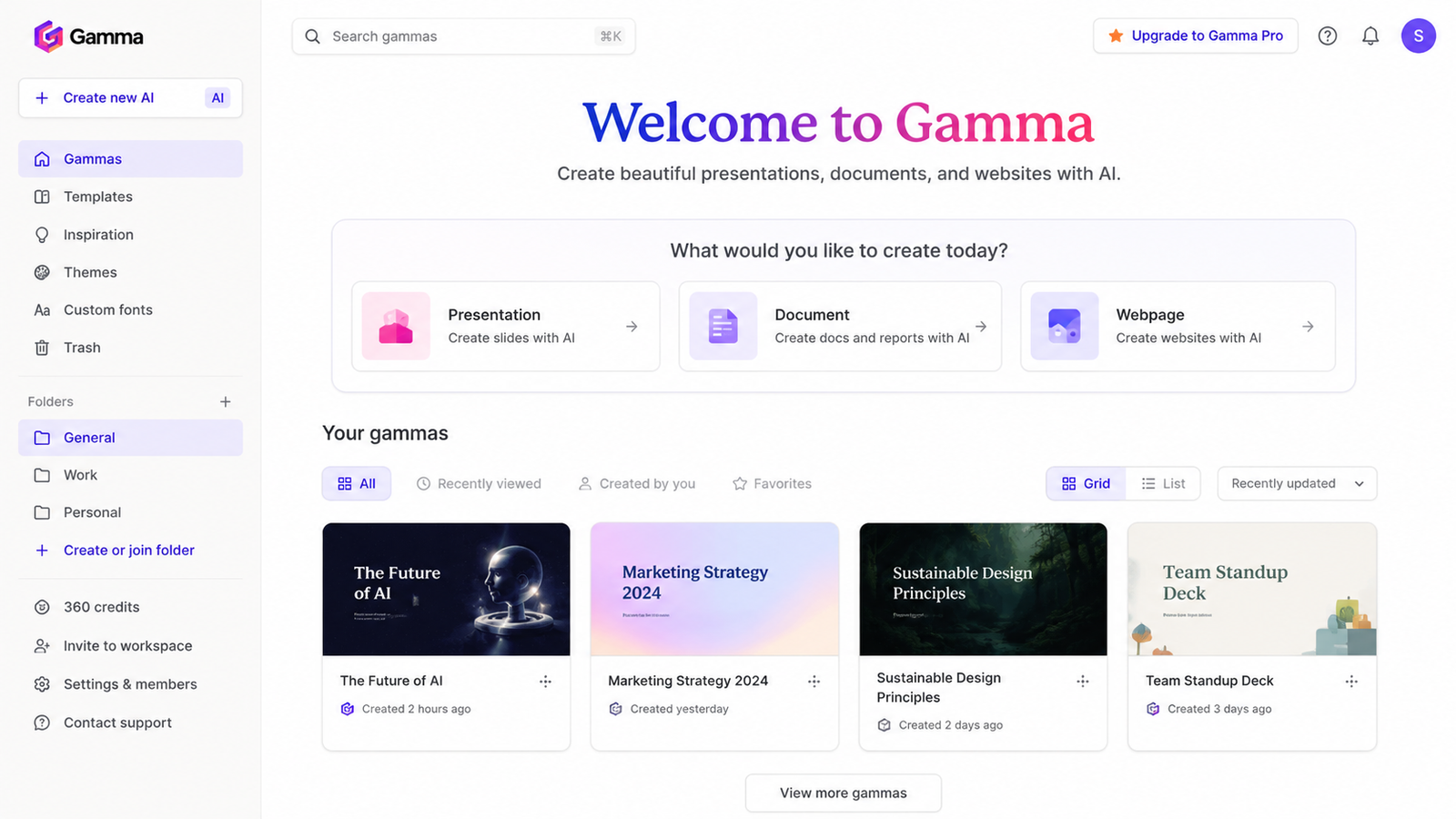
Gamma can help students create presentations and visual documents from an initial idea or prompt.
It can be useful when you need to quickly create a first draft of a presentation and then customize it yourself.
Students can use it for:
1. College presentations
2. Project ideas
3. Presentation outlines
4. Visual documents
5. Class projects
Best for: Creating presentation drafts
Our verdict: 3.5/5
Best AI Tools for Students 2026: Quick Comparison
1. ChatGPT — Studying
2. NotebookLM — Notes and research
3. Perplexity — Research
4. Gemini — General AI assistance
5. Notion AI — Note-taking
6. Grammarly — Writing
7. Canva — Presentations
8. Wolfram Alpha — Mathematics
9. QuillBot — Paraphrasing
10. Gamma — Presentations
Should Students Use AI for Homework?
Yes, AI can be useful for homework, but how you use it matters.
Using AI to explain a difficult concept, create practice questions, or guide you through a problem can support learning.
Simply copying an AI-generated answer and submitting it as your own work can violate academic rules and prevent you from actually learning the subject.
A better approach is:
Ask → Understand → Verify → Solve yourself
For example, instead of:
“Solve this homework question.”
Try:
“Teach me how to solve this problem step by step. Don't give me the final answer until I try it.”
Is Using AI for Homework Cheating?
Not necessarily. It depends on how you're using it and what your school, college, or teacher allows.
Using AI to explain a concept, brainstorm ideas, or create practice questions can be different from submitting AI-generated work as your own.
Always check your institution's academic-integrity policy before using AI for assignments.
Which AI App Is Best for Students?
There isn't one AI tool that's best for every student.
1. For general studying: ChatGPT
2. For your own notes and PDFs: NotebookLM
3. For research: Perplexity
4. For note-taking: Notion AI
5. For writing: Grammarly
6. For presentations: Canva or Gamma
7. For mathematics: Wolfram Alpha
If you only want to start with three tools, try ChatGPT, NotebookLM, and Perplexity first.
Final Verdict
The best AI tools for students aren't necessarily the ones with the most features. The best tool depends on what you're trying to accomplish.
For everyday studying, ChatGPT is a strong all-rounder. For working with your own course material, NotebookLM stands out. For research, Perplexity is useful, while Notion AI can help organize notes and tasks.
The key is to use AI to learn faster, organize better, and understand difficult topics—not to replace your own thinking.
[…] students who want to experiment with these techniques using real AI applications, our guide to [Best Free AI Tools for Students in 2026: 10 Tools That Actually Help] can help identify practical tools for studying, research, writing, and […]