

A few years ago, a decent product video meant a studio, a freelancer, and a few weeks. Today you can type a sentence, upload a photo, and have a clip in minutes. The harder question is which of the dozens of AI makers is worth paying for, and whether the video will help your listing sell.
This guide covers the real 2026 prices for affordable AI video generation tools for product listings. It also covers two things most listicles skip. Amazon’s free generator doesn’t do what many sellers assume. And a lot of shoppers never press play on your product video at all.
1. Why Video Matters for Product Listings (and Where the Stats Get Shaky)

You’ve probably seen the headline numbers. Wyzowl’s 2026 survey, as summarized by e-commerce blogs, says 85% of people have been convinced to buy something after watching a video. A widely repeated figure says sites with video convert at 4.8% versus 2.9% without.
Treat those numbers carefully. Most come from video-software vendors, and they mix up correlation and cause. Stores that invest in video tend to be better stores overall. One 2026 analysis from the shoppable-video company Whatmore admits that clean, independent conversion-lift data is surprisingly thin.
The most useful independent research comes from the Baymard Institute, which runs large usability tests on real shoppers. Two of its findings matter here:
- 41% of users watched product videos during testing.
- Baymard’s benchmark page also reports that 59% of users consistently skipped product videos while exploring product pages. It treats video as a supplement to good photos, not a replacement.
So video helps a lot of shoppers and is ignored by a lot of others. Video can’t rescue a listing with weak photos. It works best on top of strong images, and it works best when it answers the one question that makes people hesitate. One 2026 e-commerce video guide from ShortGenius makes the same point: a clearer video often does more than a prettier one.
2. Which Tool Is Capable of Generating Videos From Textual Prompts?

Short answer: Several tools turn written prompts into video. The right one depends on the kind of video you want.
- Runway, Google Flow (Veo), Kling, Pika, and Luma Dream Machine generate cinematic clips from a text prompt, usually five to ten seconds long.
- Synthesia and HeyGen generate a talking digital presenter from a script.
- InVideo AI and Pictory turn a prompt, script, or blog post into a finished video with stock footage, voiceover, and captions.
Moonb’s 2026 comparison makes the point that “text into video” hides three different jobs: cinematic clips, avatar presenters, and script-to-montage. Teams that buy the wrong type often write off the whole category. A talking-head tool won’t make a good ad, and a cinematic generator won’t make a good training module.
For product listings, you usually want one of two things. Either you animate your own product photo, which is an image-to-video job, or you assemble a short explainer from clips, text, and voiceover.
3. Best AI Text-to-Video Tools 2026: What Sellers Actually Pay
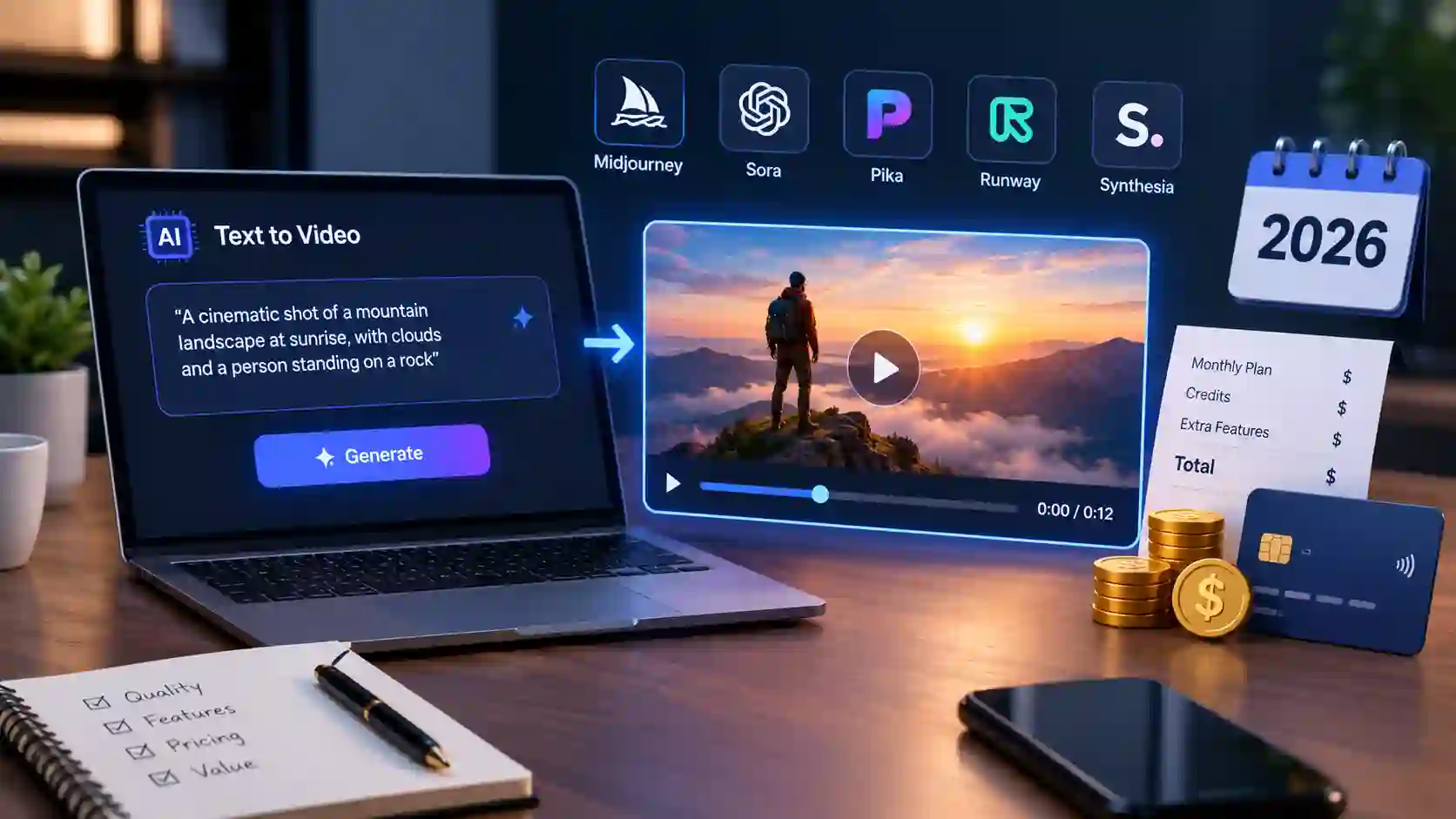
Here are the prices. These come from Moonb’s comparison, which says it checked each plan against the vendors’ own pages in July 2026. Prices and credit rules change often, so confirm before you buy.
| Tool | Best for | Starting price | Catch |
|---|---|---|---|
| Kling AI | Realistic motion | Free daily credits; paid from about $6.99/mo | Credits expire monthly, even on yearly plans |
| Pika | Short effect-driven clips | $8/mo (billed yearly) | Clips are very short |
| Luma Dream Machine | Quick ideas | $9.99/mo (Lite) | Lite adds a watermark and bars commercial use |
| Adobe Firefly | Licensed-data comfort | $9.99/mo | About 20 short clips on 2,000 credits |
| Runway | Camera-level control | $12/mo (billed yearly) | Credits drain fast on entry plans |
| Canva Pro | Clips inside designs | $15/mo | Shared AI allowance, around 10 video clips a month |
| Google Flow (Veo) | Cinematic scenes with sound | Included with Google AI Pro, $19.99/mo | Credits tied to a Google plan |
| InVideo AI | Prompt or script to finished video | $25/mo (50 AI minutes) | Leans on stock footage |
| Pictory | Blog post to video | $25/mo (billed yearly) | Templated look |
| HeyGen | Avatar and voice-clone marketing | $29/mo ($24 billed yearly) | Premium avatars burn credits |
| Synthesia | Presenter-led video | $29/mo ($18 billed yearly) | Tight minute caps |
The cinematic generators
Kling is known for human and body movement, and it added native 4K output in April 2026, per Moonb. If your product is worn or held (clothing, tools, accessories), Kling is a smart first test. Runway gives you the most control and can keep a character or set consistent across shots. Google’s Flow, built on Veo, produces footage with native audio already in place.
These tools shine when you feed them a real product photo and ask for a small movement, like a slow push-in or steam rising off a mug. They struggle with text on packaging, tiny logos, and exact product shapes. Always compare the output to the real product.
The avatar tools
HeyGen and Synthesia put a digital presenter on screen. They fit demos, explainers, and training. HeyGen advertises translation into more than 175 languages with matching mouth movement, which matters if you sell across borders. They are the wrong choice for a quick lifestyle shot.
The script-to-video tools
InVideo AI and Pictory build a full timeline from your words. Moonb describes InVideo as a tool that lets you revise scenes with plain commands, such as swapping a shot for a city street. They lean on stock footage, which is a weakness for original product visuals and a strength for how-to and explainer clips.
4. Affordable AI Video Generation Tools for Product Listings: A Realistic Budget
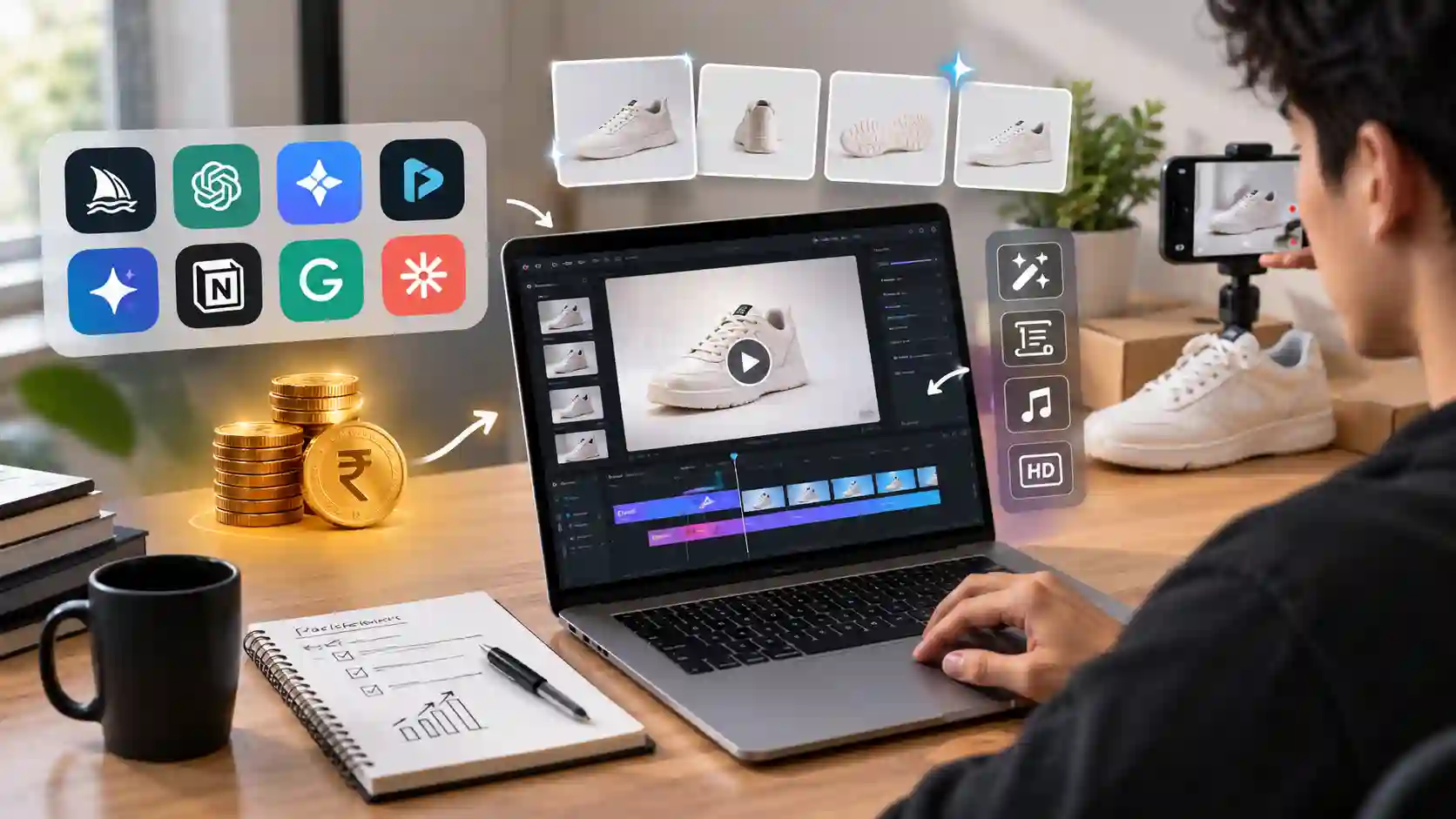
If you sell a handful of products, you can start at $0 to $10 a month. Here’s how I’d think about it.
Under $10 a month: Kling, Pika, and Luma’s Lite plan are the cheapest options. Read the license terms first. Luma’s Lite tier, per Moonb, adds a watermark and doesn’t allow commercial use. A cheap plan you can’t legally use in a store listing isn’t cheap.
$10 to $20 a month: Runway, Canva Pro, and Google’s AI Pro bundle sit here. If you already use Canva for product graphics, the extra cost of video is small. Moonb’s estimate is that real use tops out around ten clips a month before you need more credits.
$25 to $30 a month: InVideo AI, Pictory, HeyGen, and Synthesia cost more, but they give you a finished video with voice, captions, and music rather than a raw clip. If you’d otherwise spend hours editing, that can be the better deal.
Three hidden costs to check
- Expiring credits. Moonb notes that Kling credits vanish at month’s end even on prepaid yearly plans. InVideo’s unused AI minutes also don’t roll over.
- Re-generation. You’ll rarely get a usable clip on the first try. Budget two or three attempts per final video.
- Watermarks. Entry tiers often brand your export. Check before you publish.
5. The Free Option Most Sellers Overlook (and Its Big Catch)

Amazon runs its own AI video maker, and it’s free. The Amazon Ads Video Generator lets sellers and vendors create photorealistic video assets in five minutes or less. According to coverage of the full US launch, it generates six videos to choose from and lets you add your logo. In November 2025, Amazon extended it to Amazon DSP online video campaigns, at no extra cost, as an open beta in the US.
Amazon also told AdExchanger that 50% of products promoted with AI-generated video assets were being advertised for the first time. Many sellers couldn’t afford video ads before.
Here is the catch most blog posts skip. It’s an ad tool, not a listing-gallery tool. Amazon’s announcement describes it as available in the creative step of Sponsored Brands campaigns, and the DSP version feeds ad campaigns. You can’t assume the clips will simply drop into your product detail page.
Availability also varies. The Canadian-region version of Amazon’s announcement lists several markets, including India, Australia, Japan, and parts of Europe. The original page says US only, and Amazon notes it supports limited product categories. Check your own Seller Central account before you plan around it.
6. How to Make Short Videos for Business: A 30-Minute Workflow
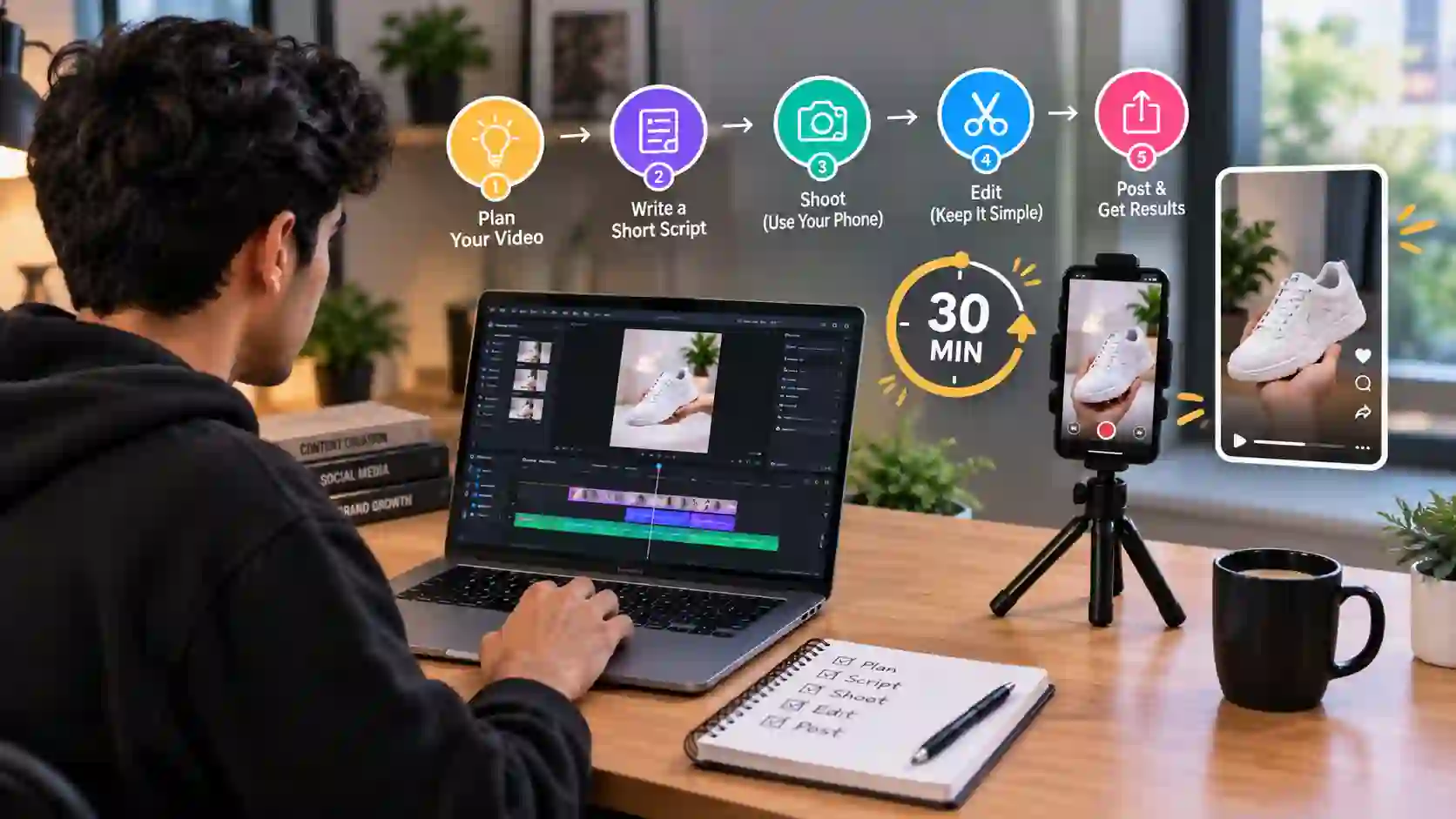
This is the workflow I’d use for a single product, with no studio and no editing experience.
Step 1: Pick one objection. Write down the single reason people hesitate to buy. Is it size, texture, how it works, or whether it fits? Your video should answer that and nothing else.
Step 2: Gather three real photos. Use a clean front shot, a detail shot, and an in-use shot. AI generators work far better when you start from a real image of your actual product.
Step 3: Write a short prompt. Keep it concrete. Something like “slow push-in on the stainless steel bottle on a wooden table, soft morning light” works better than “make an amazing ad.”
Step 4: Generate several versions. Run two or three and pick the one that looks most like your real product. Reject anything that changes the shape, color, or logo.
Step 5: Add text and captions. Most shoppers watch on mobile. One of the e-commerce stat roundups reports that 75% of video plays happen on mobile devices. Add short on-screen text so the clip works with the sound off.
Step 6: Keep it short. Aim for 15 to 30 seconds. One embedded-video guide from Guidde cites research that videos under two minutes get 2.5 times more engagement than longer ones. That claim comes from a vendor, so I’d treat it as a rule of thumb rather than a law. Shorter is easier to produce and easier to test.
Step 7: Test for 30 days. ShortGenius suggests a simple approach: test one product page video first, measure the conversion lift over 30 days, then expand. Don’t generate 50 videos before you know one works.
7. Where to Put the Video (Placement Beats Polish)
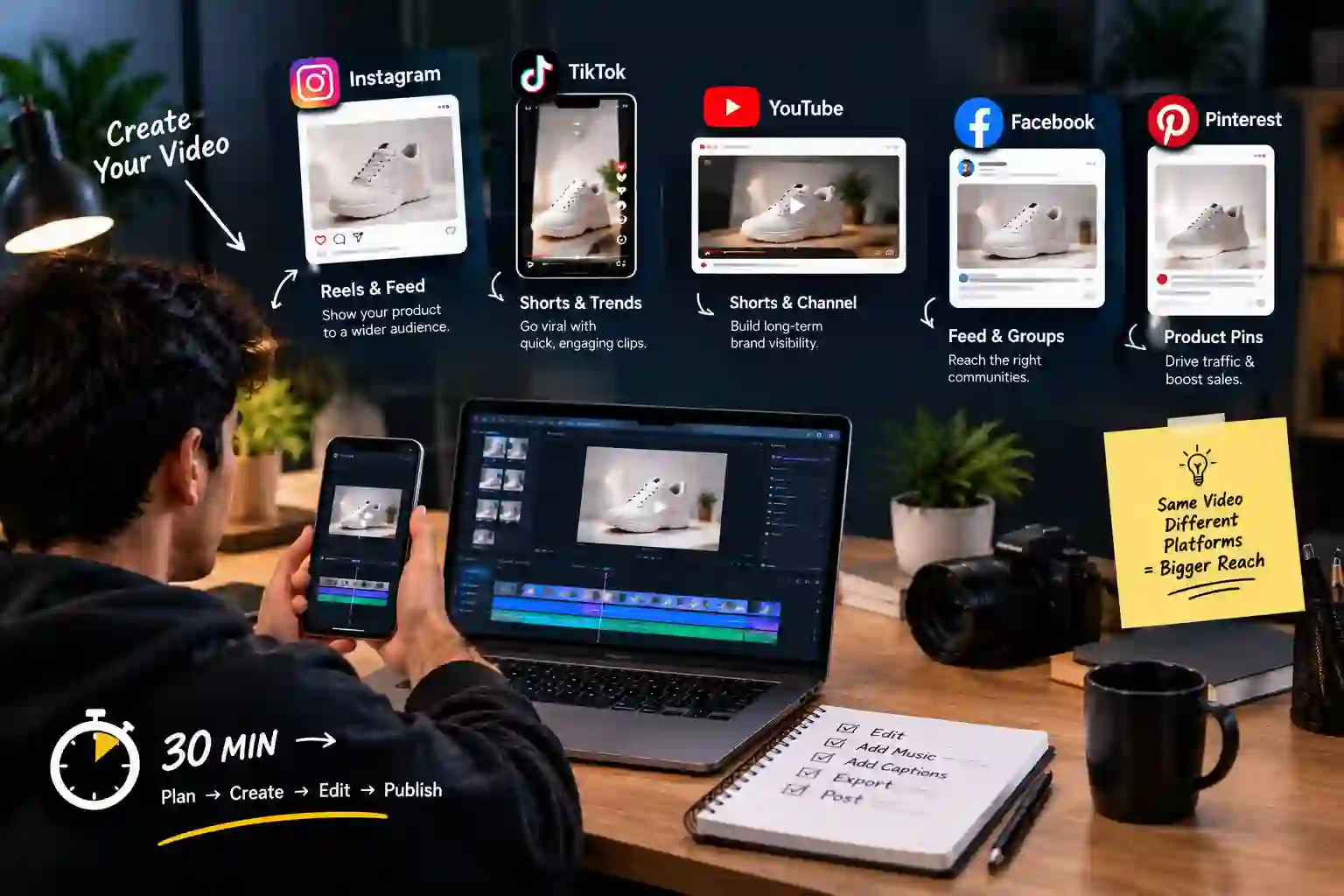
Baymard’s research found that 35% of major e-commerce sites bury or misplace product videos so badly that shoppers can’t find them. Its testing showed that users expect videos next to the main product images, so videos should sit in or alongside the image gallery. Repeating the video lower on the page is fine as long as it’s also in the gallery.
A great AI video in a hidden tab is worth less than an average one in the first gallery slot.
Your marketplace also changes the rules. Each platform has different video specs, upload rules, and ad tools, so what works on your own Shopify store may not work on Amazon or a regional marketplace. For a full breakdown, see our guide on Choosing the Right Marketplace
8. Label It: The Rule Sellers Don't Know About Yet
Here’s something most AI video roundups never mention. On August 2, 2026, the EU AI Act’s Article 50 transparency obligations started to apply. Providers of generative tools must mark their output in a machine-readable way. Publishers of deepfakes, meaning AI content that resembles real people, places, or events and could pass as authentic, must clearly disclose it. Fines can reach up to €15 million or 3% of worldwide turnover.
Does this mean every AI product clip needs a label? No. One law firm’s summary says there is no blanket labelling requirement: marketing text written with ChatGPT doesn’t need a label just because AI was involved. The Commission also released a set of voluntary EU labelling icons for “fully AI-generated” and “partially AI-modified” content, plus a code of practice published on June 10, 2026.
My practical advice, if you sell into Europe:
- If an AI clip shows a realistic person, such as a model wearing your product, add a clear label.
- Never use AI footage to show results your product doesn’t deliver. That’s a consumer-protection problem whatever the law says.
- Keep a record of which tools made which clips.
I’m not a lawyer, and the guidance is still being interpreted. Check with a legal professional before you build a compliance policy.
9. Five Mistakes That Waste Your Money
- Buying the “best overall” tool. One 2026 comparison from Creative Marketing AI says it plainly: there is no universally best text-to-video generator. Choose by job.
- Skipping the real product. Generators invent details. If the bottle cap is the wrong shape in the clip, you’ll get returns and complaints.
- Making it too long. A listing video isn’t a brand film.
- Ignoring sound-off viewers. No captions means lost viewers.
- Treating video as a replacement for photos. Baymard’s data says shoppers still want lots of strong images.
Frequently Asked Questions
Yes. Tools like Kling, Pika, Runway, and Luma support image-to-video, which means you upload one product photo and get a short moving clip. The clearer and higher quality your photo is, the better the result. Always compare the finished clip with the real product before you publish it.
A clip of 15 to 30 seconds is enough for most listings. Most shoppers browse on their phones, so vertical (9:16) or square (1:1) formats are a safe choice. Every marketplace has its own video specs, so check its current guidelines before you upload.
It depends on the tool, your plan, and your country. Some free or entry-level plans do not allow commercial use at all. Before you publish, read the tool's terms of service, especially the sections on commercial use and ownership.
Keep it short and specific. Say what the product is, what the camera should do (for example, a slow zoom-in), and what the background and lighting look like. A vague prompt like "make an amazing ad" usually gives poor results. Ask for one simple movement first, then adjust.
Many avatar and script-to-video tools, such as HeyGen and Synthesia, support a large number of languages. Quality in Hindi and other regional languages varies from tool to tool. Make a short sample on a free trial and listen to the accent and pronunciation before you pay.
A heavy video file can slow your page, and a slow page can hurt both conversions and rankings. Compress the file, lazy-load the video, and avoid autoplay. For larger videos, embedding from a host like YouTube or Vimeo is often better than uploading the file directly to your page.
Before you add the video, note your conversion rate, add-to-cart rate, and average time on the page. After 30 days, compare the same numbers. Test on one product at a time so you can tell whether the video made the difference or something else did.
Yes, if the clip shows a different color, size, shape, or feature from the real product. That can lead to returns, negative reviews, and action from the marketplace. Never show something your product cannot actually do, and always check the final clip against the real item.