
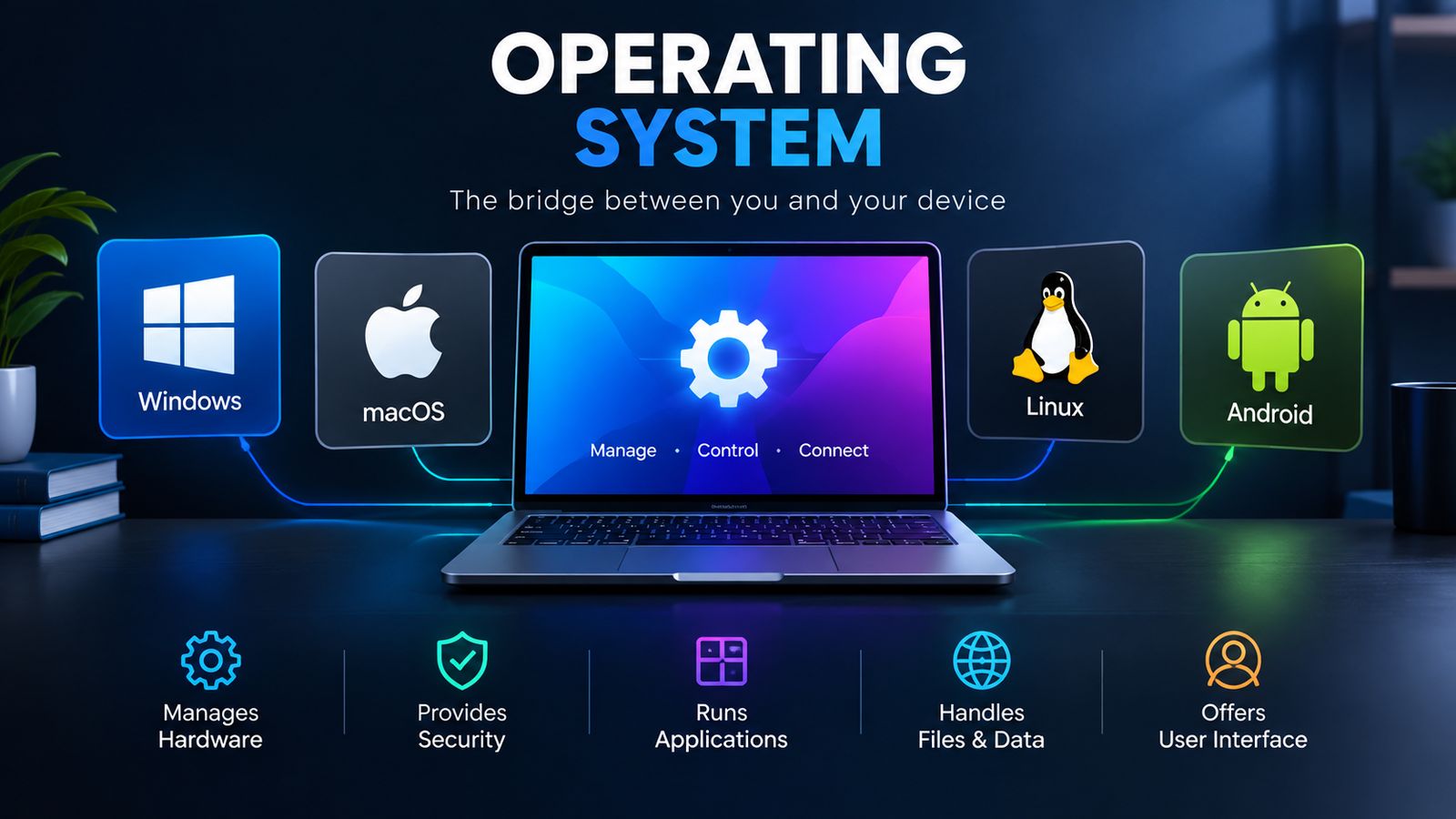
Web apps have become an essential part of modern computing. From online productivity tools and business platforms to streaming services and cloud-based software, many everyday tasks now happen directly through a web browser. But the operating system you use can affect how smoothly these web apps run.
So, which operating system is optimized for web apps? The answer depends on what you mean by “optimized.” Operating systems such as ChromeOS, Windows, macOS, and Linux can all provide excellent web-app experiences, but they are designed with different priorities.
1. What Makes an Operating System Good for Web Apps?
An operating system optimized for web apps should provide strong browser performance, efficient resource management, reliable internet connectivity, security, and good support for modern web technologies.
Since most web apps run through browsers such as Chrome, Edge, Firefox, or Safari, the browser itself is also an important factor. A lightweight operating system can sometimes provide better performance because fewer system resources are used by background applications.
2. ChromeOS: A Strong Choice for Web Apps
ChromeOS is one of the operating systems most closely associated with web applications. It was designed around Google’s Chrome browser and cloud-based computing.
Chromebooks can run many web apps directly in the browser, making them particularly suitable for users who primarily work with online services.
3. Why ChromeOS Works Well With Apps and Application Services
ChromeOS offers a relatively lightweight environment, automatic updates, built-in security features, and close integration with Google’s web ecosystem.
It is especially useful for:
- Students
- Cloud-based workers
- Web browsing
- Online productivity
- Education
- Basic business tasks
However, ChromeOS may not be ideal for users who require specialized Windows or macOS desktop applications.
4. Windows and Web Apps
Windows remains one of the most versatile operating systems for web apps. Modern versions of Windows support major browsers and provide access to both web-based and traditional desktop software.
This makes Windows a strong option for businesses and professionals who need to switch between browser-based applications and locally installed software.
5. Apps and Application Flexibility on Windows
Windows is particularly useful when your workflow requires both types of software. For example, a user might work in a browser-based CRM while simultaneously using desktop applications for accounting, video editing, or development.
6. macOS and Web Applications
macOS also provides excellent support for modern web apps. Apple’s Safari browser is optimized for the Mac ecosystem, while users can also install browsers such as Chrome and Firefox.
macOS is particularly attractive to professionals who use web applications alongside creative, development, or productivity software.
7. Linux for Web-Based Applications
Linux can also be an excellent platform for web applications, particularly for developers and technically advanced users.
Linux distributions are highly customizable and can be configured to use relatively few system resources. Many developers also prefer Linux because of its strong command-line tools and development environment.
8. Why Developers Choose Linux for Apps and Application Development
Web developers frequently use Linux for creating and testing web applications because it provides powerful development tools, package managers, containers, and server technologies.
9. Which Operating System Should You Choose?
There isn’t one operating system that is best for every web-app user.
| Operating System | Best For | Web App Experience |
|---|---|---|
| ChromeOS | Cloud-first users | Excellent |
| Windows | General and business use | Excellent |
| macOS | Professionals and creatives | Excellent |
| Linux | Developers and technical users | Excellent |
If your computer is mainly used for browser-based services, ChromeOS can be a particularly efficient choice. If you need maximum software compatibility, Windows is usually more flexible. macOS is strong for professionals, while Linux provides extensive customization and development capabilities.
10. The Future of Apps and Application Platforms
The distinction between desktop applications and web apps is becoming less obvious. Technologies such as Progressive Web Apps (PWAs) allow websites to behave more like traditional applications, including features such as offline functionality, notifications, and installation.
Cloud computing is also moving more software processing away from individual computers and toward remote servers. As internet connections become faster and web technologies become more capable, operating systems will increasingly focus on providing secure and efficient access to web-based applications.
Frequently Asked Questions (FAQs)
1. Which OS is optimized for web apps?
ChromeOS is one of the operating systems most optimized for web apps because it is designed around browser-based and cloud computing. However, Windows, macOS, and Linux also provide strong support for modern web applications.
2. A smartphone runs on a PC operating system. True or false?
False. Smartphones generally use mobile operating systems such as Android or iOS, which are specifically designed for touchscreen devices, mobile hardware, and battery efficiency.
3. How are desktops and mobile operating systems similar?
Both desktop and mobile operating systems manage hardware, run applications, provide security, manage files and memory, and allow users to interact with software. The main difference is that they are optimized for different types of devices.
4. A mobile operating system is optimized for what?
A mobile operating system is optimized for touchscreen interaction, battery efficiency, wireless connectivity, mobile hardware, and smaller displays. It is designed to provide a smooth experience on smartphones and tablets.
5. What is one benefit of using a text-based operating system?
One major benefit is low resource usage. Text-based operating systems or command-line interfaces can require fewer system resources than graphical interfaces and can provide efficient control for technical users and developers.